
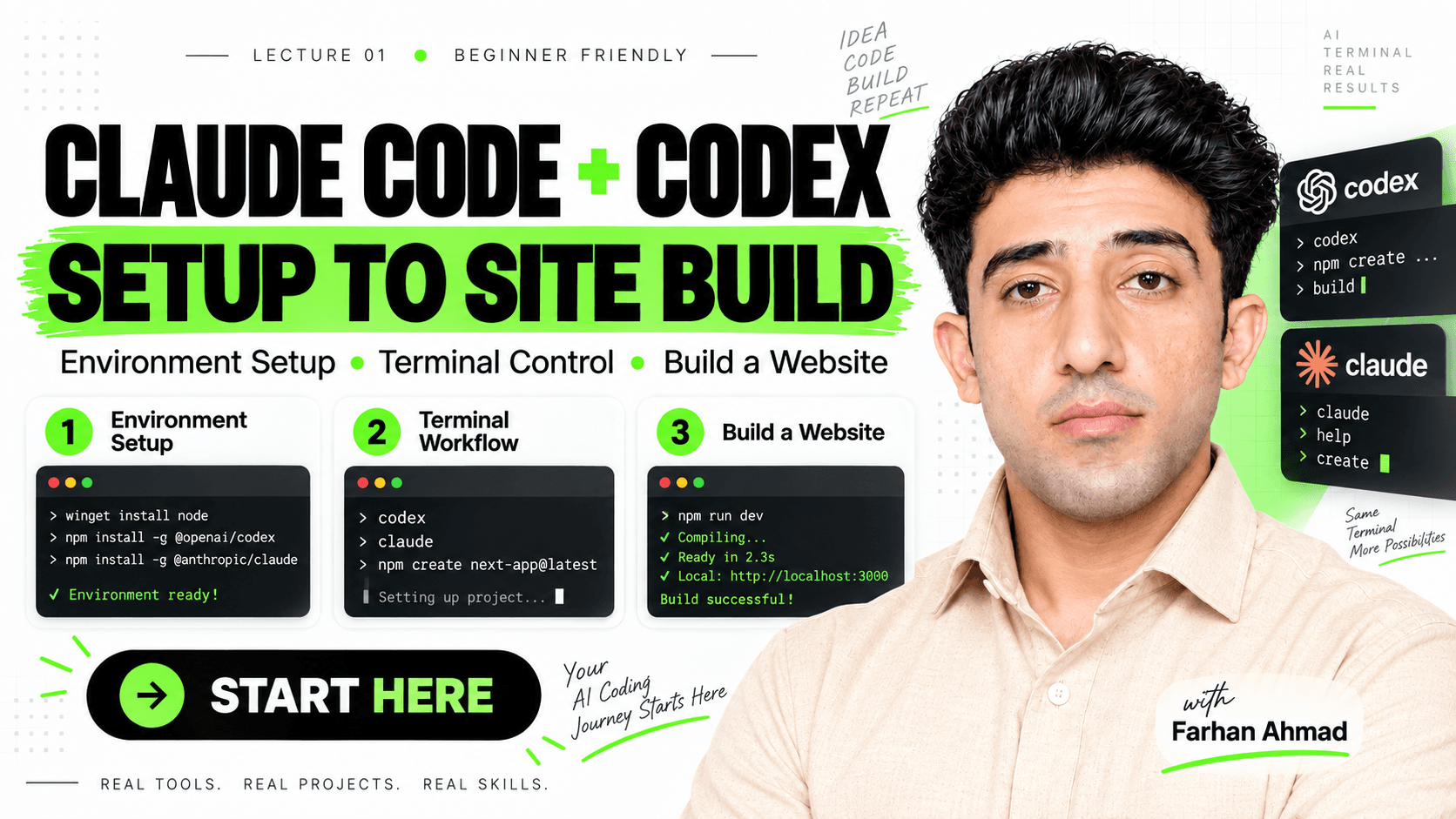
 Codex & Claude Code: Terminal Setup for Beginners
Learn how to use Codex and Claude Code directly inside your terminal — from installation and environment setup to building your first website with AI. This is Lecture 01 of my practical AI training series. You do NOT need to be an expert programmer to start working with AI coding agents. What you need to learn is how to properly control them: how to give instructions, manage project files, review changes, approve commands, test the result, and understand what the AI is doing inside your development environment. In this lecture, we work with two powerful AI coding tools: OpenAI Codex — an AI coding agent that can inspect projects, write and modify code, debug problems, run development tasks, and help you work directly with your project. Claude Code — Anthropic's terminal-based coding agent that can understand existing projects, edit files, execute development workflows, and help you build software using natural-language instructions. What You'll Learn → What an AI coding agent actually is → Chat AI vs AI coding agents → How to prepare your Windows environment → How to install Codex → How to install Claude Code → How to launch both tools from the terminal → How authentication and usage limits work → How to give AI clear development instructions → How to ask AI for a plan before coding → How to review commands and permissions → How AI can read and modify project files → How to test AI-generated changes → How to build your first website using an AI coding agent The main idea of this lecture is simple: Stop using AI only to copy and paste code. Learn how to work with AI directly inside your development environment. Installing Codex or Claude Code does not automatically provide unlimited AI usage, free API access, or bypass subscription limits. Your available usage depends on the account, subscription, API, or billing method connected to the service. This course is focused on real tools, real projects, and real workflows. Lecture 01 — Codex & Claude Code Beginner Friendly Practical AI Coding Training More lectures coming on AI agents, automation, Shopify CLI, development workflows, and building real digital products with AI. Farhan Ahmad Founder of Zoave Full-Stack Designer & Developer AI Systems • Shopify • UI/UX • Automation
1 lesson