


Digital products

Production-ready tools for modern teams.

Reusable systems created from real design, commerce, development, and AI work — ready to buy and download.

AI Motion Agent for After Effects — Claude Integration

AI Motion Agent for After Effects — Claude Integration

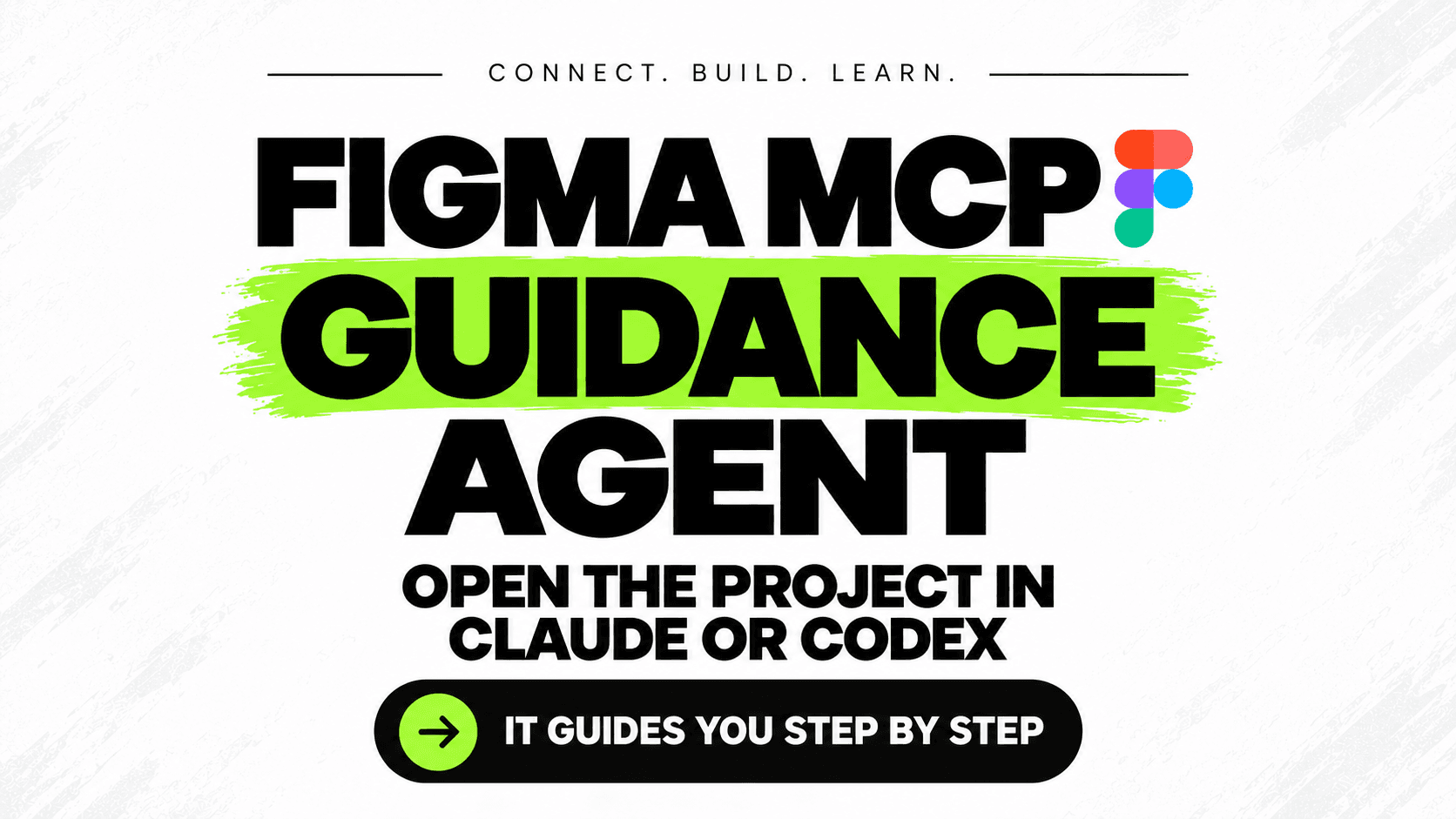
Figma MCP Guidance Agent — Setup Kit for Claude & Codex

Figma MCP Guidance Agent — Setup Kit for Claude & Codex

Codex & Claude Code Masterclass | Part 1

Codex & Claude Code Masterclass | Part 1

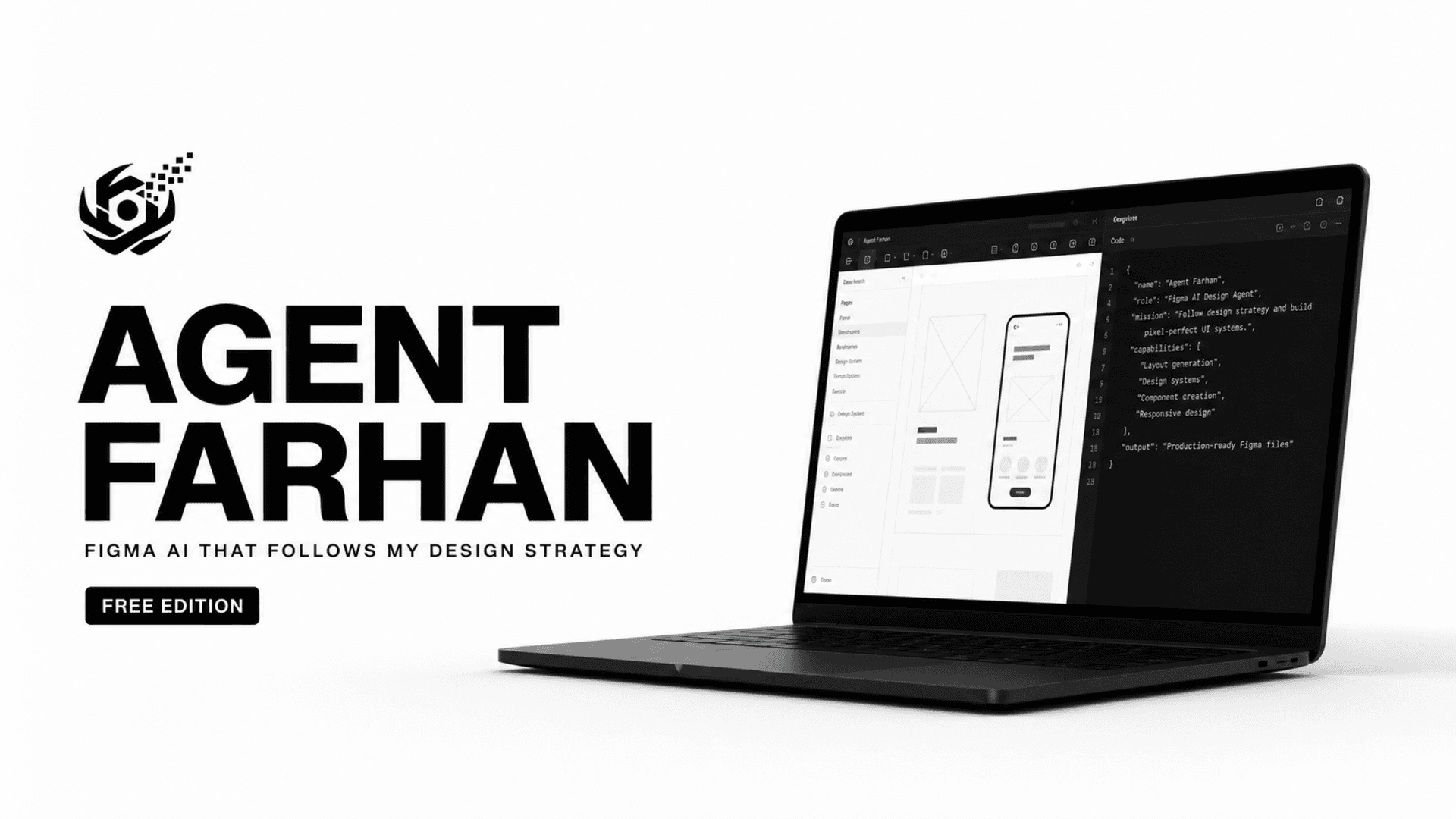
Agent Farhan — Free Figma AI Design Agent for Claude Code

Agent Farhan — Free Figma AI Design Agent for Claude Code

AI Motion Agent for After Effects — Claude Integration

AI Motion Agent for After Effects — Claude Integration

AI Motion Agent for After Effects — Claude IntegrationAI Motion Agent for After Effects — Claude Integration

Connect Claude to Adobe After Effects with AI Motion Agent by ZOAVE. This downloadable AI agent brings Claude into your After Effects workflow for motion design projects. After 30 days of personal use and testing, I’m making the agent available for $35. Watch the 10-minute demonstration to see how the connection works, how I use the agent, and whether it fits your creative workflow. Built for After Effects users exploring AI-assisted motion design, AI Motion Agent offers a practical way to get started with a Claude-connected workflow. Watch the demo, check the compatibility and requirements below, and download AI Motion Agent to use it in your own workflow.

Figma MCP Guidance Agent — Setup Kit for Claude & CodexFigma MCP Guidance Agent — Setup Kit for Claude & Codex

Connect Figma to Claude Code or Codex with a guided setup project. Open the folder and ask your agent to get started—it runs the terminal setup, helps configure the Desktop Bridge, checks the connection, and guides you through the remaining steps. Includes Windows setup scripts, local token entry, connection checks, and reusable agent instructions.

Codex & Claude Code Masterclass | Part 1Codex & Claude Code Masterclass | Part 1

Learn how to move beyond basic AI chat and start using powerful AI coding agents directly from your terminal. In Part 1, I’ll guide you step by step through Codex and Claude Code — what they are, how to install them, how terminal-based AI workflows work, and how to control AI agents while working on real projects. You’ll learn: • What Codex and Claude Code actually do • How AI coding agents differ from normal ChatGPT/Claude chat • How to install and launch them from your terminal • How to give agents access to your project safely • How to control files, commands, edits, and permissions • How to write better instructions for coding agents • How to build your first project using an AI coding workflow • How to understand context and usage limits No advanced coding experience is required. The goal is to help you understand how modern AI development actually works and give you a workflow you can start using immediately.

Agent Farhan — Free Figma AI Design Agent for Claude CodeAgent Farhan — Free Figma AI Design Agent for Claude Code

Agent Farhan is a guided Figma design agent created by web designer Farhan at Zoave for Claude Code. It helps turn a rough idea into a structured brief, design roadmap, art direction, wireframe, responsive website, social campaign, design critique and professional handoff. Instead of immediately producing generic AI visuals, Agent Farhan follows a structured design process built around strategy, hierarchy, real content, appropriate licensed assets and visible Figma verification. The guided Windows setup helps users connect Claude with their Figma Desktop workflow, configure supported free asset sources and begin working without manually handling complicated setup commands. Its token-efficient routing loads only the specialist guidance needed for the current task instead of loading the complete design foundation every time. The Free Edition includes three cumulative hours of Agent Farhan use during each rolling 24-hour period. Closing Claude pauses the remaining allowance. Reaching the limit never deletes or locks the customer’s Figma or project files. Agent Farhan is proprietary Zoave software. Reselling, rebranding, white-labeling, mirroring or redistributing the package is prohibited. Agent Farhan is not an official Figma, Anthropic or Claude product.

Luxury Fashion Shopify Theme | Premium Clothing Store TemplateLuxury Fashion Shopify Theme | Premium Clothing Store Template

reate a fashion store that feels like a real brand — not another basic Shopify template. Password for preview link ; Password: 12345 https://fu38sq-cd.myshopify.com/ Designed for clothing brands, boutiques, and modern ecommerce businesses, this premium Shopify store combines elegant visuals, smooth customer experience, and conversion-focused layouts to help you launch faster.

$149.00$79.99
View details →
Zero To Launch — AI Website & Online Business Launch SystemZero To Launch — AI Website & Online Business Launch System

Build and launch your online business with a clear step-by-step system. Zero To Launch combines a practical PDF guide with a ready-to-use Claude build prompt that guides you from planning and structure through the building process. Understand what you're doing first, then use AI to help turn your idea into a real digital business—without blindly guessing your way through the process. Start with the PDF guide, then use the included Word prompt with Claude to build your website step by step.

$60.00$30.00
View details →

Be first in line

Get notified when these ship.