
Design context in.
Useful code out.
A custom integration system built to move selected Figma context into Claude, control how tools are used, reduce wasted tokens and turn repeated design work into a faster, trainable workflow.
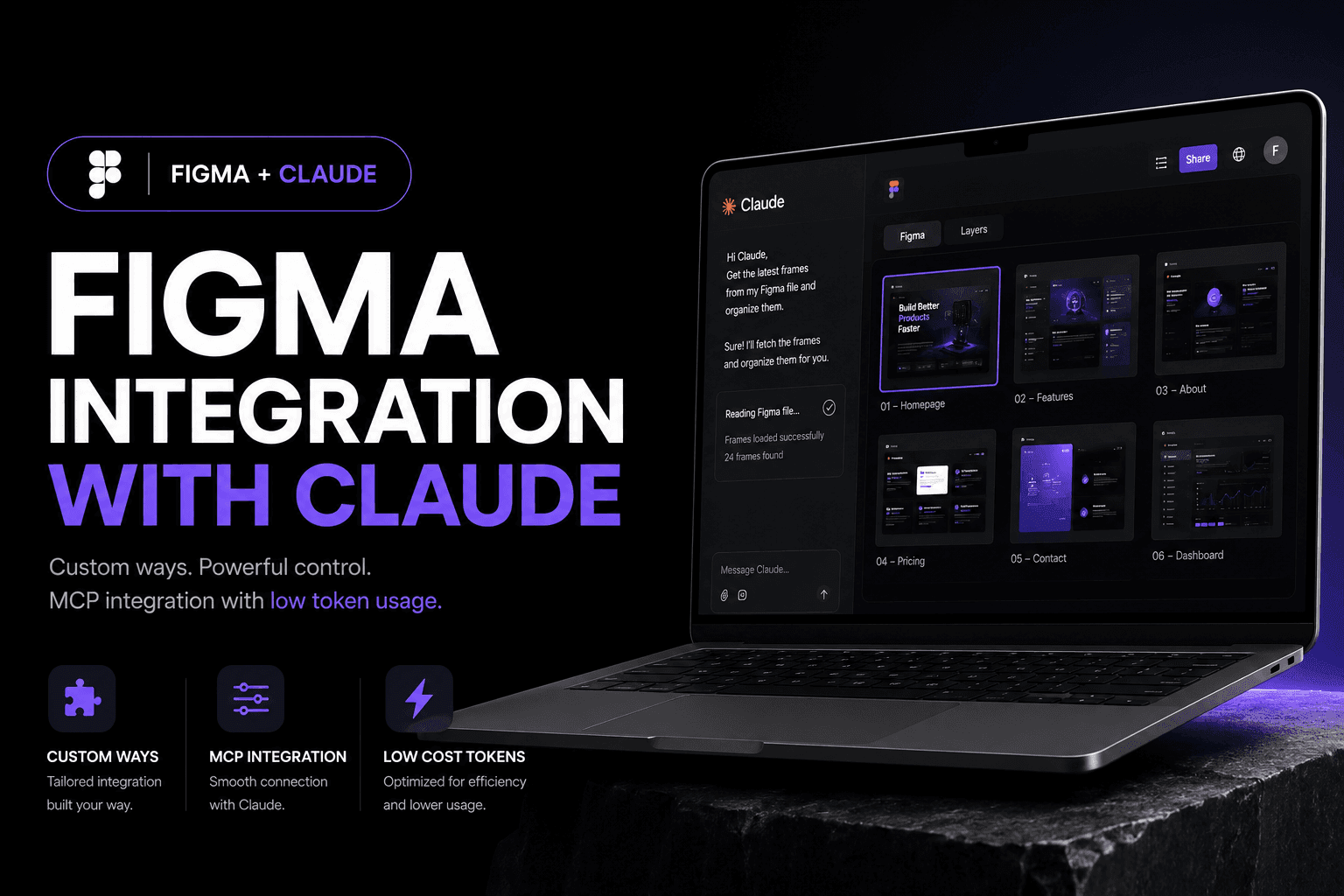
Claude is powerful.
Context is expensive.
Generic prompting was not enough. The workflow needed a way to understand the right Figma selection, load only useful project context, call controlled tools and keep output consistent without repeatedly spending tokens explaining the same system.
One signal.
Multiple controlled steps.
The workflow behaves more like a production pipeline than a chatbot. Each stage has a job, and information moves only where it is needed.
From selected frame
to structured implementation.
The system reads a scoped Figma selection, extracts the useful design information, routes it through MCP, combines it with project rules, then generates and verifies code instead of dumping uncontrolled output.
read_selection(figma.node)extract(layout, type, tokens)route(context → mcp)apply(project.rules)generate(component)verify(diff, constraints)Teach the system once.
Reuse the thinking.
Instead of re-explaining preferences every session, the workflow carries project rules, component conventions, naming patterns and implementation boundaries forward.
Design rules
Spacing, hierarchy, responsive behavior and visual constraints.
Code rules
Framework conventions, component structure and reusable patterns.
Tool rules
What Claude may read, call, generate and verify through MCP.
Context rules
Only the relevant files, selections and instructions enter each task.
Spend tokens on the task.
Not on repeating the setup.
The goal was never “free AI.” Every useful AI workflow has a cost. The improvement is controlling that cost — smaller context windows, reusable rules, scoped reads and fewer unnecessary retries.
Design speaks.
Code answers.
Less explaining.
More building.
A custom Figma + Claude integration that turns design context into a controlled development workflow — faster to call, easier to repeat, and better aligned with the way I actually build.